Discargar LibreOffice
 26.8.0
Customize your download below.
Altere versiones e methodos de installation
Configure your download

Methodos alternative de installation, SDK e codice fonte
Versiones plus ancian de LibreOffice (non plus actualisate!) son disponibile in le archivo
Nove functionalitates
Per cliccar le button infra, tu accepta visualisar contento desde un sito de tertie parte (YouTube) e que tu datos personal sia transferite e processate como indicate in le politica de confidentialitate de YouTube.
LibreOffice 26.8 is our latest stable release, including new features, performance improvements, fixes and more…
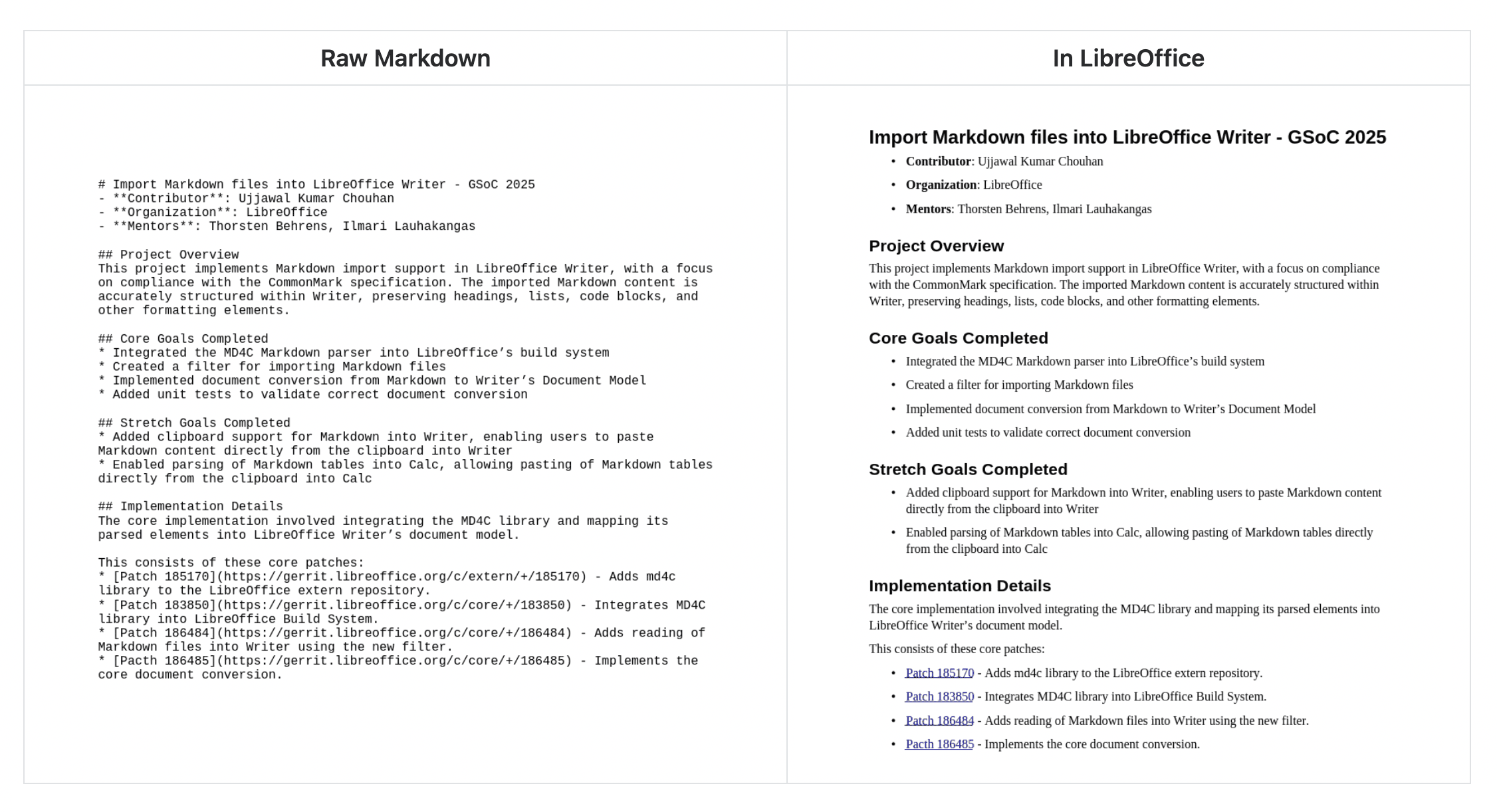
Markdown support
Import and export documents in Markdown, a popular lightweight markup language.
Connectors in Calc and Writer
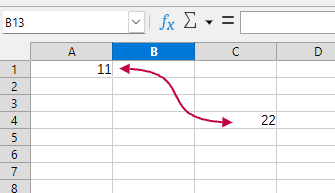
Connect objects in Writer just like in Impress and Draw. Create visual connections in Calc between cells by going to Insert > Shape > Connectors in the menu.
Performance improvements
Work faster: EPUB export, scrolling speed, exporting SVGs with bitmaps, 3D charts and many other things have received performance boosts.
And much more
For a full list of changes in maintained versions, see our release notes.