Download LibreOffice
 26.8.0
Customize your download below.
Other Versions & Installation Methods
Configure your download

Alternative installation methods, SDK and source code
Older versions of LibreOffice (no longer updated!) are available in the archive
New Features
By clicking the button below you accept to view content from a third party site (YouTube) and for your personal data to be transferred and processed as indicated in the YouTube privacy policy.
LibreOffice 26.8 is our latest stable release, including new features, performance improvements, fixes and more…
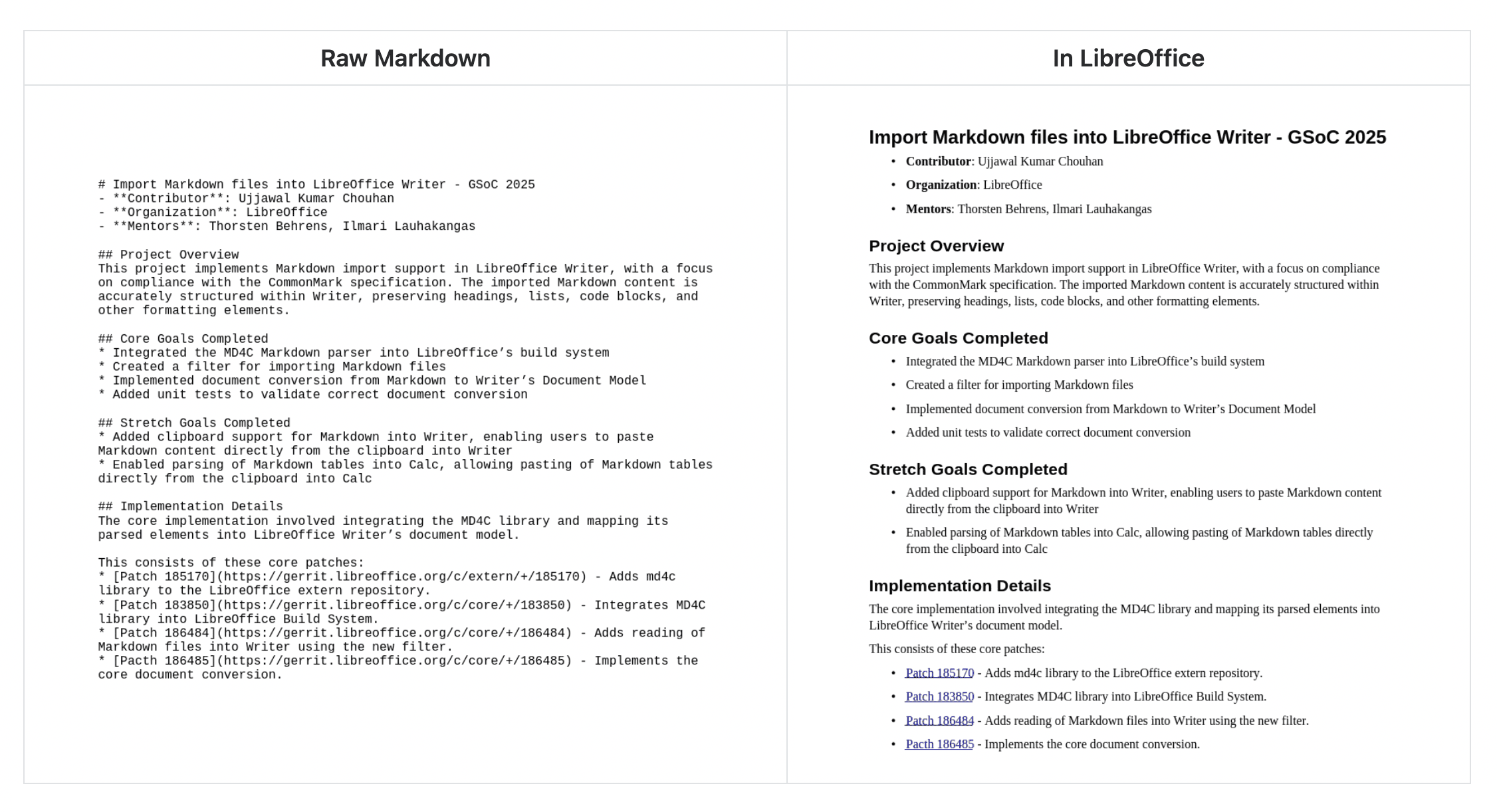
Markdown support
Import and export documents in Markdown, a popular lightweight markup language.
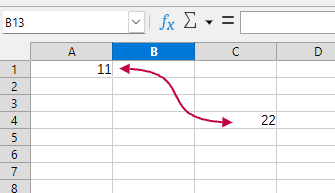
Connectors in Calc and Writer
Connect objects in Writer just like in Impress and Draw. Create visual connections in Calc between cells by going to Insert > Shape > Connectors in the menu.
Performance improvements
Work faster: EPUB export, scrolling speed, exporting SVGs with bitmaps, 3D charts and many other things have received performance boosts.
And much more
For a full list of changes in maintained versions, see our release notes.